
Run a DCMA-14 schedule health check
Before you begin
You need a schedule with logic in it: activities, relationships, durations, and ideally a baseline. Running DCMA-14 against a bar chart with no predecessors will flag nearly everything, which is accurate but not useful. If the schedule is a contract deliverable on a federal or DoD job, run this before you submit it, since the reviewing office runs the same checks.
Steps
-
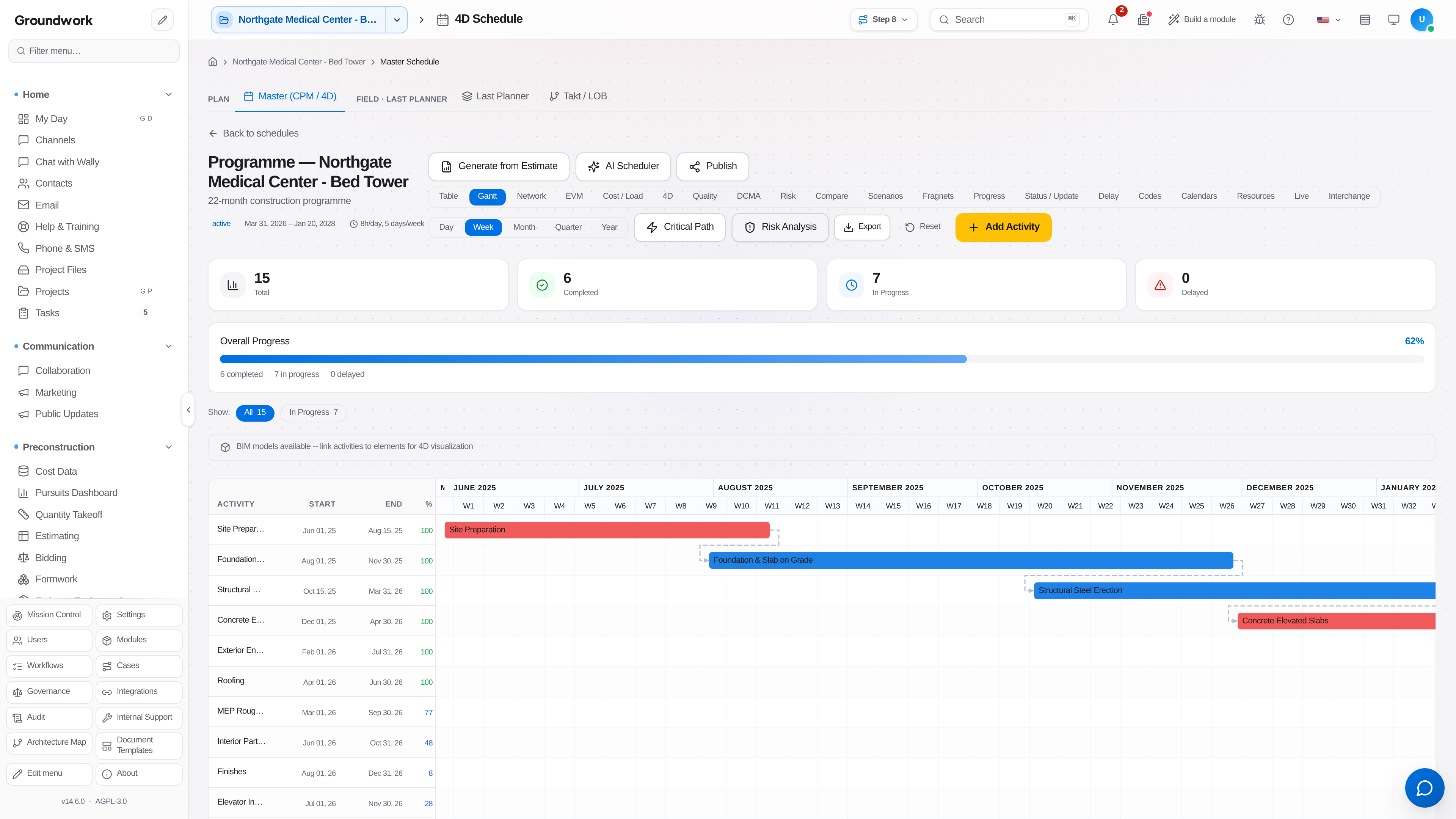
Open the schedule under Scheduling → Master Schedule, switch to the DCMA view, and choose Run assessment.
-
Review the results by check. The 14 points cover the usual failure modes: logic (activities missing a predecessor or successor), leads (negative lag), lags, relationship types (an over-reliance on anything other than finish-to-start), hard constraints, high float, negative float, high duration, invalid dates in the past or future, resources, missed tasks, critical path test, critical path length index, and baseline execution index.
-
Start with the logic check. Dangling activities (no predecessor or no successor) are the highest-leverage fix, because they distort float and the critical path everywhere downstream.
-
Remove negative lag. A lead is almost always a relationship modeled the wrong way around, and reviewers treat it as a red flag rather than a modeling choice.
-
Review hard constraints. Each one should trace to an actual contract date or a genuine physical restriction, not to someone forcing a date to make the Gantt look right.
-
Check the critical path test: extend a critical activity's duration substantially and confirm the project finish date moves by the same amount. If it doesn't, the network logic is broken somewhere along the path.
-
Re-run the check after your fixes and record the passing result before you submit or publish.
What happens next
A schedule that passes DCMA-14 is defensible in a schedule review, and more usefully, its float numbers can be trusted for day to day decisions. Once the logic is sound, resource and cost loading produces meaningful earned-value metrics, and a delay analysis later has a coherent network to reason about.
Where the record lives
Each health check run is retained with the schedule version it was run against in the schedule's DCMA view, so you can show that the version submitted to the owner passed at the time it was submitted, not just that it passes today.
Troubleshooting
High float flagged across most of the schedule: this usually means the schedule is not fully connected end to end. Activities float freely because nothing downstream is pulling them.
Negative float appears after statusing: the schedule now finishes past a constrained date. Either the constraint is wrong or the work is genuinely late, and the check won't decide which for you.
Critical path length index looks fine but the job feels behind: CPLI only measures the critical path against the contract finish. Compare it against the baseline execution index, which measures how much of the baselined work actually got done.
Still stuck?
Send this straight to support (it goes directly to support@groundworkai.io).