
Resource and cost load a schedule for earned value
Before you begin
You need a CPM schedule with a set baseline and a budget already broken down by cost code. Resource loading a schedule that has not been baselined gives you a number with nothing to compare it against. Decide the granularity first: loading 200 activities is useful, and loading 4,000 activities usually produces a maintenance burden nobody sustains past month three.
Steps
-
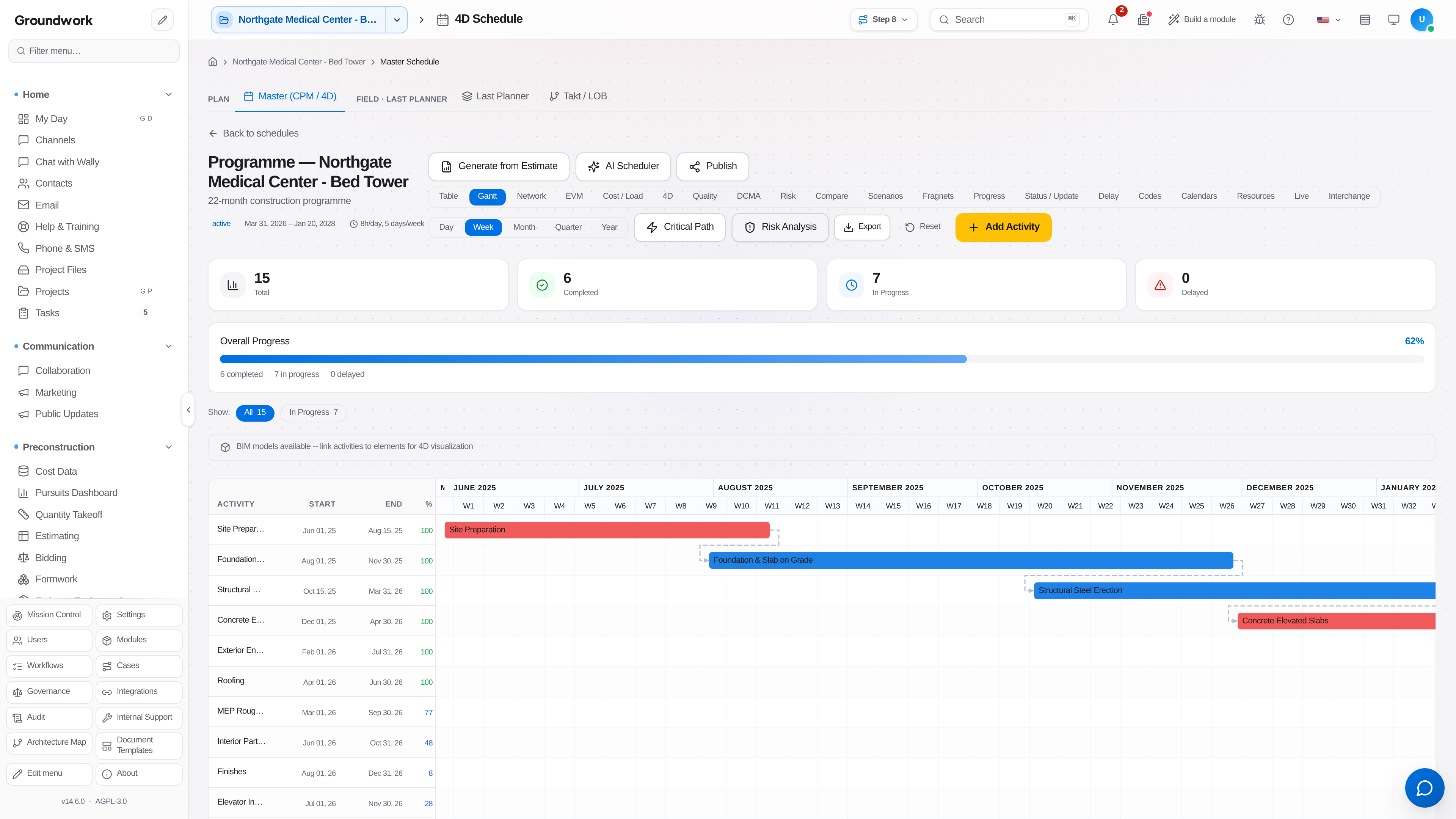
Open the schedule under Scheduling → Master Schedule and switch to the Resources view.
-
Define your resource pool: labor crafts, key equipment, and any critical material with a delivery constraint. Each resource carries a rate, and labor rates pull from the labor rate tables rather than being retyped per activity.
-
Assign resources to activities with quantities and a distribution curve. A four-week concrete activity that consumes its crew evenly and one that front-loads formwork produce different cash flow forecasts from the same total.
-
Cost load activities by mapping each one to its budget cost codes. This is the link that makes the schedule and the budget the same plan viewed two ways.
-
Review the resource histogram for overallocation. A schedule that requires 14 carpenters in week nine when you have eight is a schedule that will slip, and the histogram shows it before the field discovers it.
-
Level where you can, and where you cannot, record the assumption. A resource conflict you have decided to solve by hiring is a legitimate answer as long as it is written down.
-
Set the performance measurement baseline once loading is complete. This freezes the planned value curve, and every earned value number from here compares against it.
-
Update progress each period. Physical percent complete on loaded activities produces earned value directly, and the platform computes cost and schedule performance indices from that rather than asking anyone to estimate them.
What happens next
Each status update produces a full earned value picture: planned value, earned value, actual cost from job costing, cost and schedule variance, and an estimate at completion. Because actual cost comes from the job cost ledger rather than a separately maintained spreadsheet, the earned value report and the financial report agree. Cash flow forecasts fall out of the same loading, which makes the schedule useful to the person managing the credit line rather than only to the person managing the field.
Where the record lives
Resource assignments and cost loading are stored on the schedule and versioned with it. Every baseline is retained under Baselines & variance in the schedule's Status / Update view, and period status updates are kept as a series rather than overwritten, so the performance trend over the life of the job is reconstructable. Published schedule issues are logged with their distribution.
Troubleshooting
Earned value looks impossibly high in an early period: check whether progress was claimed on activities using a start-weighted rule such as 50/50. Rules of credit inflate early periods by design, and the fix is choosing a rule that matches how the work actually delivers value.
Actual cost is missing for a loaded activity: the activity's cost code mapping does not match any code that job cost is posting to. Compare the mapping against the active cost code list rather than assuming the ledger is wrong.
Histogram shows an overallocation you know is not real: the same crew is likely assigned as two separately named resources. Consolidate the resource definitions, since the histogram can only aggregate what it can identify as the same pool.
Still stuck?
Send this straight to support (it goes directly to support@groundworkai.io).