
Report a safety incident and track corrective action
Before you begin
Care for the injured person and secure the site first. Everything below is documentation, and documentation waits. Once the scene is stable, collect names of everyone involved and everyone who witnessed it, and take photos before the area is cleaned up. The photos are the part that cannot be recreated later.
Steps
-
From the mobile app, open Safety & ESG → Safety, choose Report Incident, and select the project. Field users can file an incident without desktop access, which is the difference between a report filed the same hour and a report filed from memory three days later.
-
Classify the incident type: injury, near miss, property damage, environmental release, or a safety observation. Near misses are worth filing with the same rigor as injuries, since they are the cheapest data you will ever get about a hazard.
-
Record the who, when, where, and what. Location can be pinned to the area of the site rather than described in prose.
-
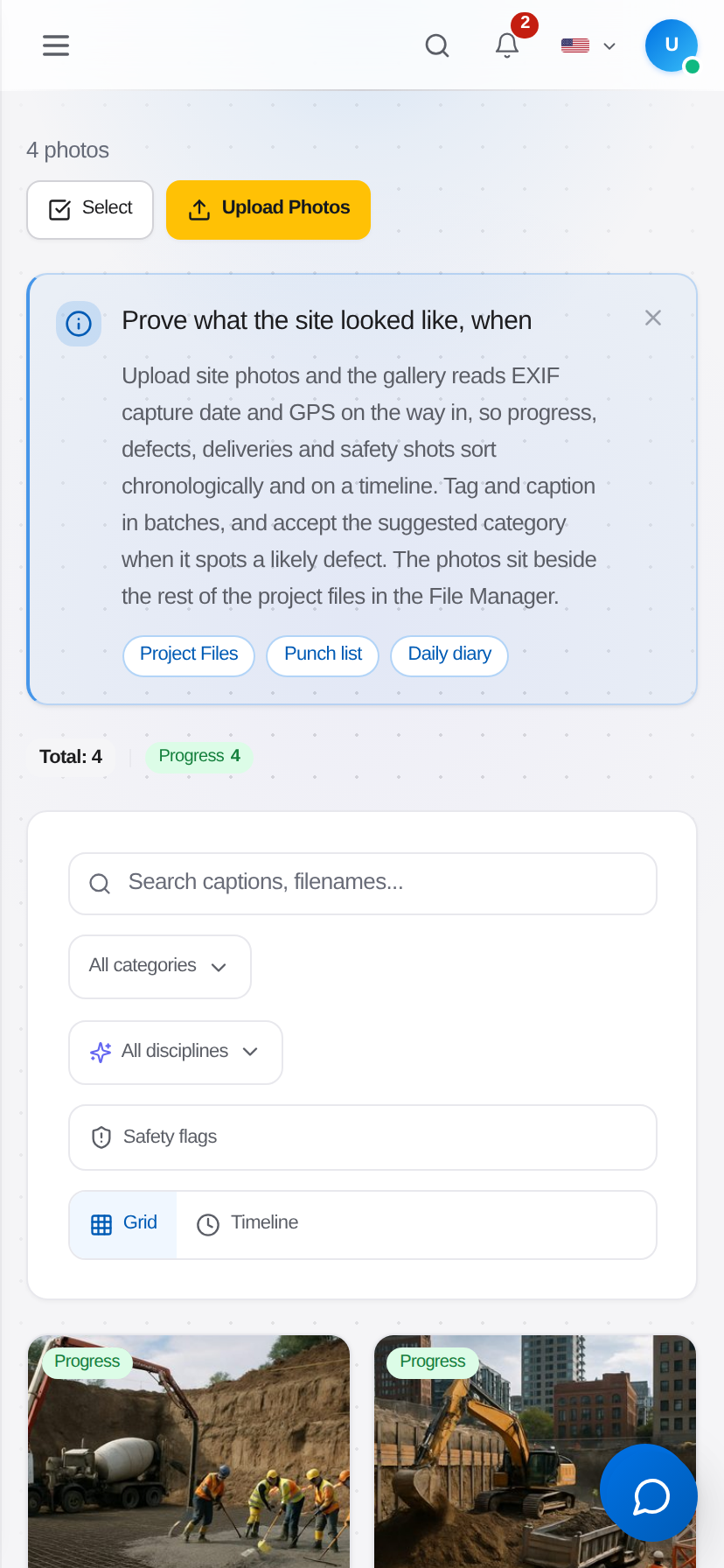
Attach photos directly from the device camera. Photos carry their capture timestamp and location, which makes them evidence rather than illustration.
-
Complete the injury detail if a person was hurt: body part, nature of injury, treatment given, whether medical care beyond first aid was required, and whether time was lost. These specific fields drive OSHA recordability, so answering them accurately is what makes the 300 log correct at year end.
-
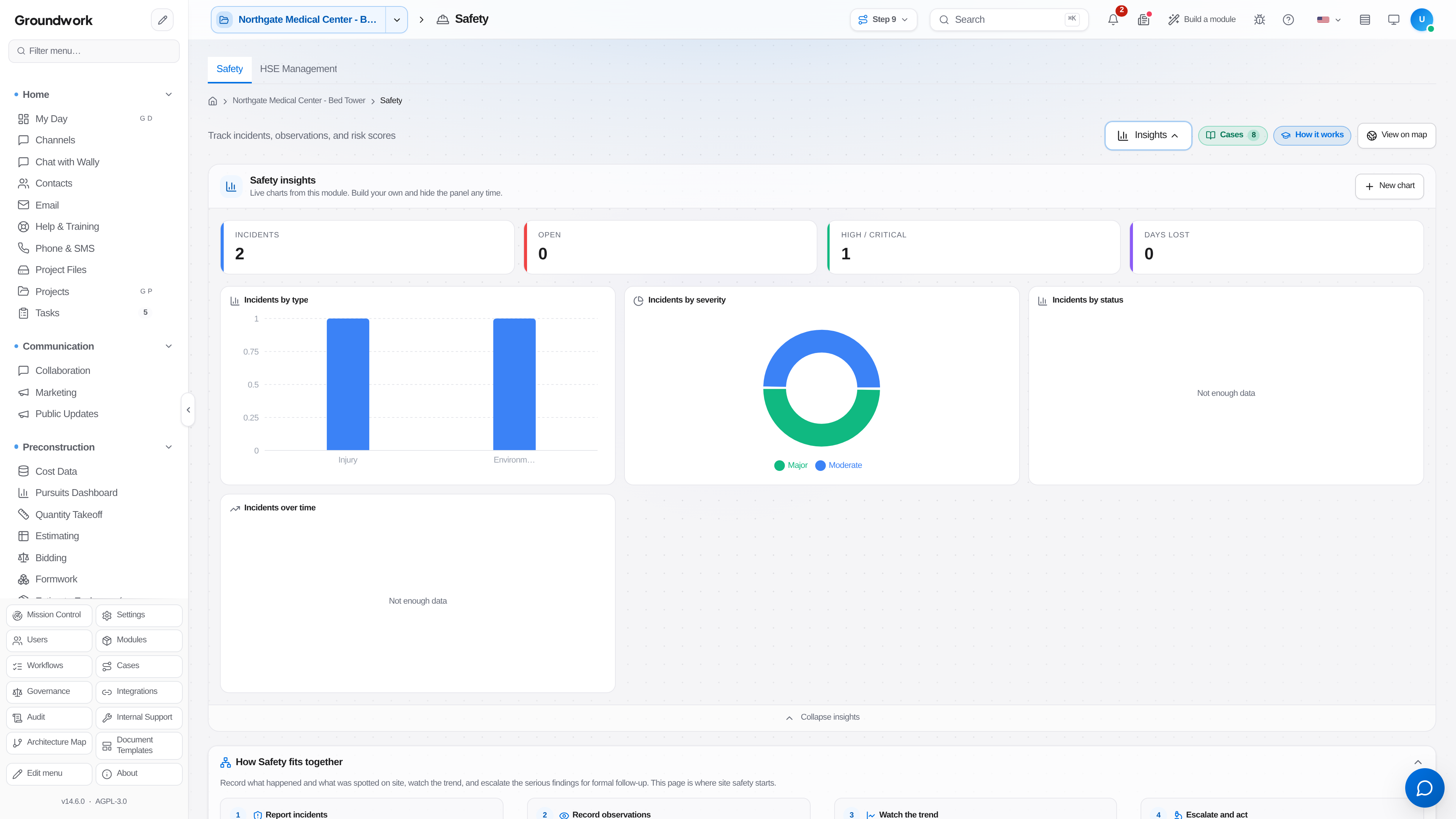
Assign corrective actions with an owner and a due date. An incident with no corrective action and no explanation of why none was needed is an incomplete record.
-
Route the incident for safety manager review. The reviewer confirms the recordability classification, which is a judgment call that should not sit with the person who filed the report at 6 a.m.
-
Track corrective actions to closure with verification. Closing an action requires evidence that the fix happened rather than an assertion that it will.
What happens next
Recordable incidents flow into the OSHA log automatically. At year end, the 300A summary generates from the logged incidents rather than from someone rebuilding the year in a spreadsheet, and individual 301 incident reports generate per case. Incident rates roll up to the portfolio view so a project trending badly is visible before it becomes a citation. If the incident involves a subcontractor employee, it attaches to the subcontractor's performance history and shows up at their next prequalification.
Where the record lives
Incidents are retained under Safety & ESG → Safety, on the Incidents tab, with the full history: original filing, every edit, reviewer decisions, corrective action closures, and all attached media. Because injury records carry retention obligations measured in decades, they fall under the records retention policy rather than ordinary project cleanup, and a legal hold on an incident overrides scheduled disposition.
Troubleshooting
Filed from the field with no signal: the mobile app queues the report and uploads when connectivity returns. Confirm it landed by checking the incident list from a browser before assuming it was lost.
Not sure whether something is recordable: file it as an incident and let the safety manager classify. Under-filing is the failure mode that hurts at audit, and reclassifying down is straightforward.
Corrective action is overdue and the owner has left the company: reassign the action on the incident record. Actions stay open until verified closed, which is deliberate, and reassignment is the intended path rather than closing it as stale.
Still stuck?
Send this straight to support (it goes directly to support@groundworkai.io).