
Route a document for electronic signature
Before you begin
The document should be final before it goes out. Signature routing is not a review workflow, and a document that comes back signed with a typo in the contract sum creates more work than it saved. Confirm the signing parties, their legal signing authority, and the order they need to sign in. Know whether your counterparty has any contractual objection to electronic execution, which occasionally appears on public work.
Steps
-
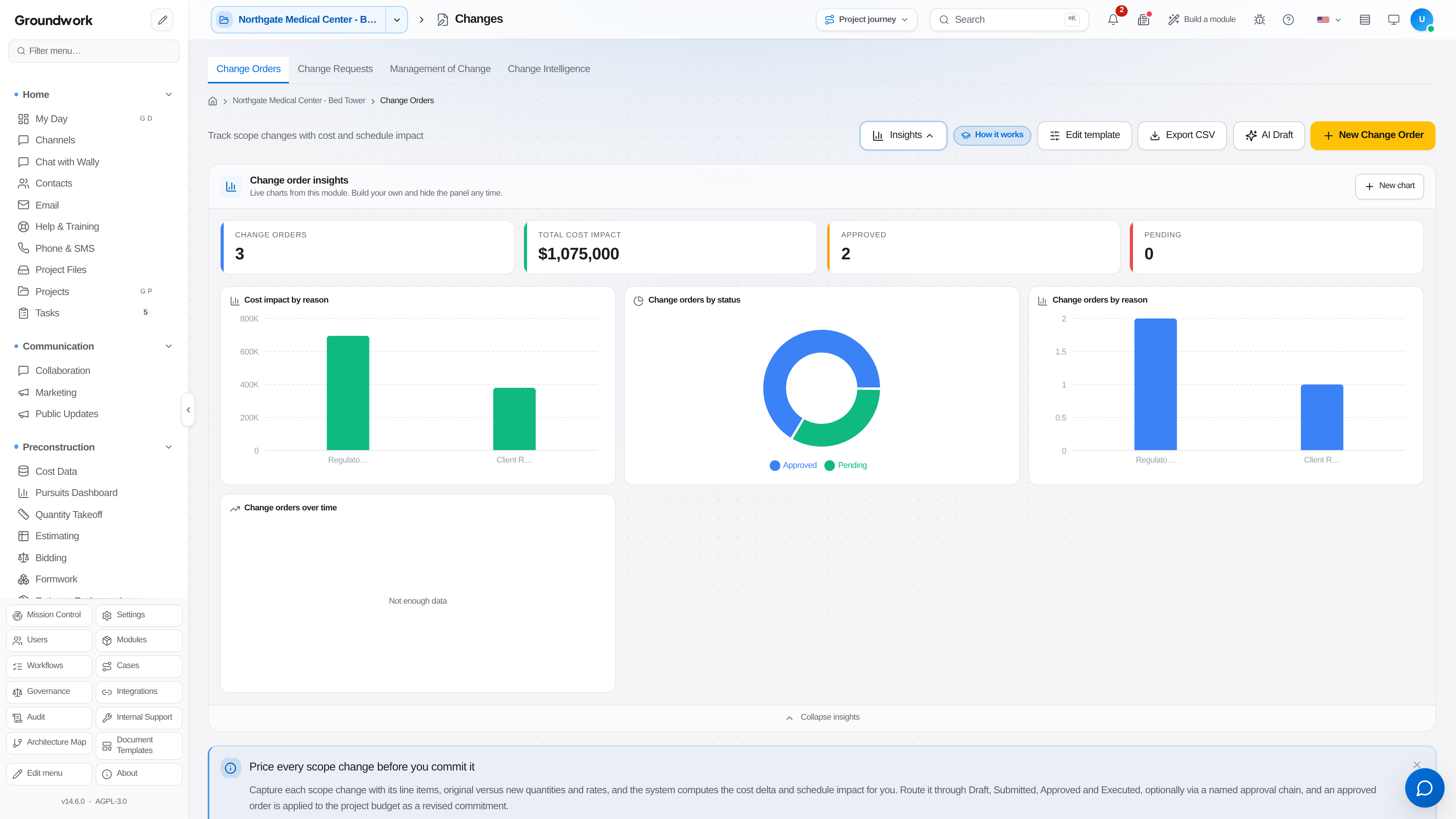
Generate the document from the record it belongs to: a subcontract from the commitment, a change order from the approved change, a lien waiver from the payment it conditions. Generating from the record is what keeps the signed paper and the system of record in agreement.
-
Open the document and choose Send for Signature.
-
Add signers in routing order. Sequential routing sends to each party in turn, which is what you want when your own countersignature should only happen after the sub signs. Parallel routing sends to everyone at once and is appropriate for acknowledgments.
-
Place signature, initial, and date fields on the document for each signer. Fields left unplaced are fields nobody fills, and the executed copy will show the gap.
-
Capture electronic signature consent from any signer who has not previously consented. This is a legal prerequisite for enforceability rather than a formality, and the consent record is retained alongside the signature.
-
Send. Each signer receives a link, signs from a browser or phone without needing an account on your instance, and the next signer is notified automatically when routing is sequential.
-
Track status from the signing dashboard: sent, viewed, signed, declined, or expired. Send a reminder from the same screen rather than emailing separately, so the nudge is part of the record.
-
When the last signer completes, the executed document is written back to the source record and its state advances. A subcontract becomes executed, and the commitment it backs becomes a real commitment rather than a pending one.
What happens next
Execution unlocks downstream work. An executed subcontract allows purchase order issuance and progress billing against it. An executed change order adjusts the contract value and the revised budget together. An executed lien waiver releases the payment it conditions. The signed PDF, the certificate of completion listing every signer with timestamps and IP addresses, and the consent records travel together as one package.
Where the record lives
Executed documents are stored on their source record and in the document register with their signature audit trail. The audit trail includes every send, view, sign, decline, and reminder with timestamps. Issued documents are frozen rather than editable, so a signed document cannot be quietly revised, and a correction goes out as a new document that references the original.
Troubleshooting
Signer says they never received the link: check the signing dashboard for a bounce before resending. A wrong address on the contact record will keep bouncing until it is fixed on the contact record.
Signer declined: the decline reason is captured on the routing record. The document does not execute and its source record stays in its pre-execution state, which is correct. Resolve the substantive objection, then send a revised document rather than reopening the declined one.
Signature request expired: routing has a configurable expiry. Reissue from the document record so the new request links to the same source record instead of creating an orphaned second copy.
Document executed but the source record did not advance: refresh the source record before troubleshooting further, since write-back and the browser view are not always simultaneous. If it persists, check whether the document was generated from the record or uploaded separately, since an uploaded file has no link to write back to.
Still stuck?
Send this straight to support (it goes directly to support@groundworkai.io).